Would you rather have to explain every typo out loud or every time you say “quick question” it becomes a 15-minute discussion?
Option A
Explain every typo
Option B
Live inside the “quick question” spiral
Use one question at the start of a company meeting, between agenda sections, or as a quick team-event icebreaker. Players join with a nickname, vote from their phone, and see the room’s split as soon as everyone answers.
Live format
Sample prompts
These are short enough for a live company meeting and safe enough for work, internal events, or onboarding sessions.
Option A
Explain every typo
Option B
Live inside the “quick question” spiral
Option A
No slides
Option B
No speaker notes
Option A
The over-preparer
Option B
The brilliant improviser
Option A
Swap calendars
Option B
Let the team pick the wallpaper
Best for
"I am going to share a quick room link. Join with any nickname, answer from your phone, and we will reveal the room results together."
1 round · 1 minute
A quick opener or transition
5 rounds · 5 minutes
A short meeting warm-up
10 rounds · 8-10 minutes
Offsites, classrooms, and team events
2-6 people
Pause for quick explanations after surprising answers.
7-20 people
Run 5-8 rounds and discuss only the closest splits.
20-50 people
Screen share results and keep the pace host-led.
Related guides
Everyone can answer from their own device without screen sharing controls or extra setup.
One round takes under a minute, so it works as an opener, energizer, or break between agenda items.
The host starts, can end at any time, and moves to the next round when the room is ready, so the game never hijacks the meeting.
Host guide
Would You Rather is the simplest game in the library: one question, two options, one tap. That simplicity is the point. It works when the room is half-awake, when new people have not met yet, and when you have three minutes before the real agenda.
Download the one-page Would You Rather host script (PDF)Free to print and share: steps, what to say, and a score sheet.
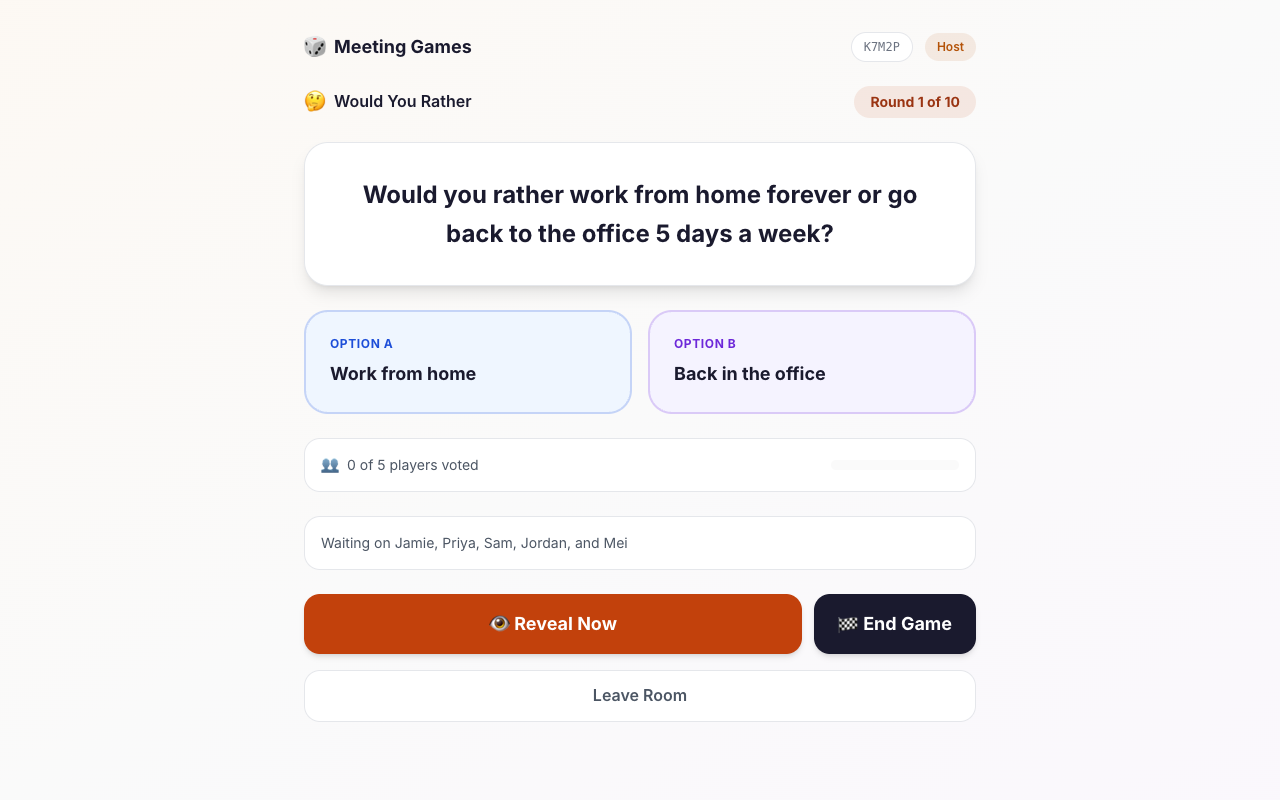
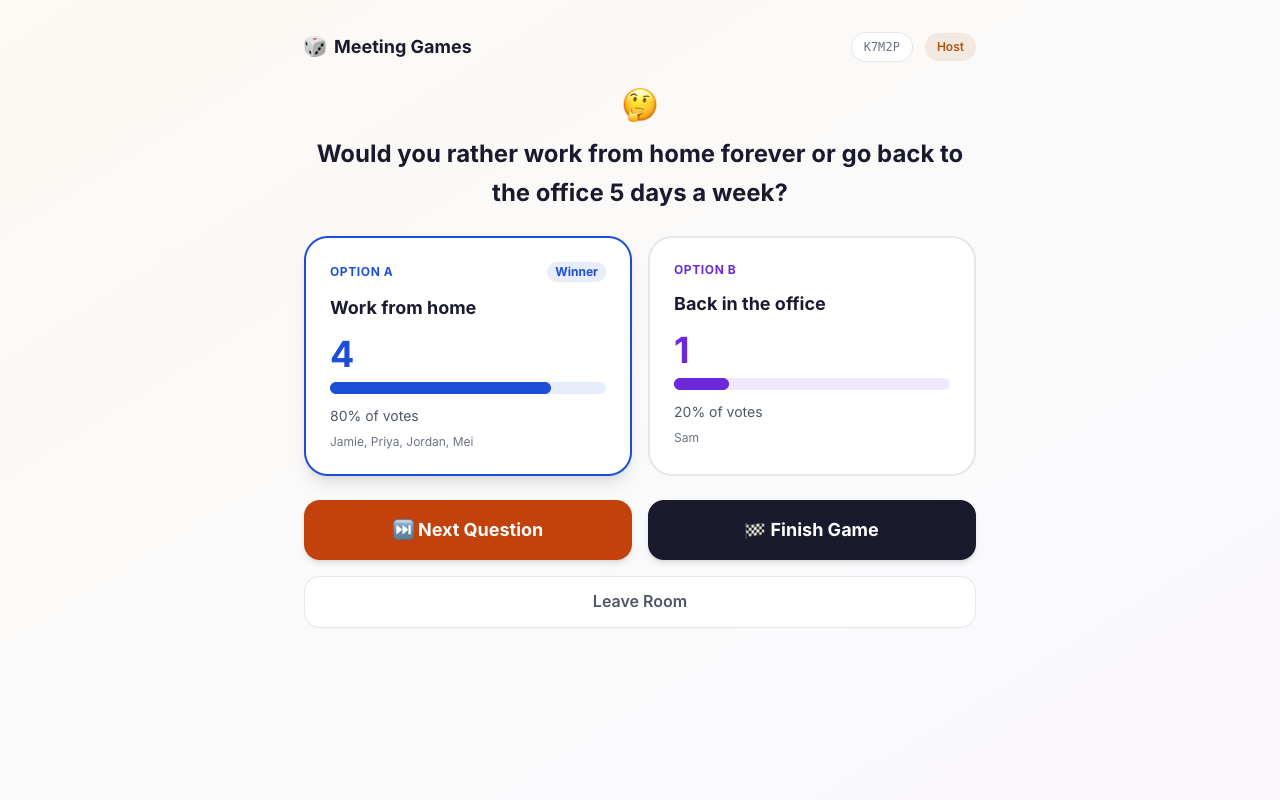
The host creates a room and shares the link or the five-character room code. At least two players need to be in the room before the host can start. Each round shows the same question to everyone, and each player taps one of two options on their own device.
The host sees how many players have voted and can wait for everyone or reveal early. The results screen shows how the room split and which players chose each option, then the host moves to the next question or finishes the game.
Paste the room link into the meeting chat before you announce the game, so people can join while you are still talking. Then share your screen so the whole room sees the same question and the same reveal.
The same format feels very different depending on the questions. For a new team, stick to lighter, low-stakes dilemmas about everyday work habits. For a team that already knows each other, slightly sillier hypotheticals get more reaction.
If a question lands badly, move on without commenting. The game is designed so that no answer is wrong, so the host never has to defend a result.
If you want a right answer and a leaderboard, use Trivia Rush instead. If you want even lighter, everyday preferences with no hypothetical dilemma, try This or That. All games in the library use the same room flow, so switching only means creating a new room.
Want more ideas and a longer walkthrough? Read Would You Rather for meetings.
FAQ
Yes. It is fast, low-pressure, and works well for standups, team retros, onboarding, company offsites, and internal events because everyone can answer in seconds.
The current game is designed for small and medium groups, and the room is capped to keep the experience responsive and easy to facilitate.
No. Players join with a nickname only, which keeps the game frictionless during live meetings.
Create a room, share the link, and let your team vote from any device. No accounts. No downloads. No setup friction.